
Do you have a million-dollar startup idea? Just a few years ago, transitioning any software concept from a raw idea into a functional Minimum Viable Product (MVP) took weeks or months of intensive effort. You had to find and hire visual designers, configure local development environments, map relational databases, and wrestle with complex server deployments.
But in 2026, the rules of web development have been completely rewritten. By leveraging Browser-Based Scaffolding and generative AI engines, you can compile and deploy a fully functional full-stack web application in a matter of minutes. In this comprehensive step-by-step guide, we will harness the collective superpowers of two industry-leading AI development tools—v0.dev (by Vercel) and Bolt.new (by StackBlitz)—to launch a working MVP from absolute scratch.
The Power of Browser-Based Scaffolding
Browser-based scaffolding represents a monumental shift in software engineering. You no longer need to download heavy dependencies, configure compiler runtimes, or run local server threads on your laptop. The entire coding, building, and compiling sequence is executed directly inside a browser tab using WebContainers—virtual, high-performance Node.js environments that operate on sandbox memory.
When merged with advanced language models, this environment becomes a superpower. You write plain-text instructions, and the AI handles the terminal commands, folder scaffolding, and database provisioning, as explored in death-of-traditional-no-code-generative-ai.
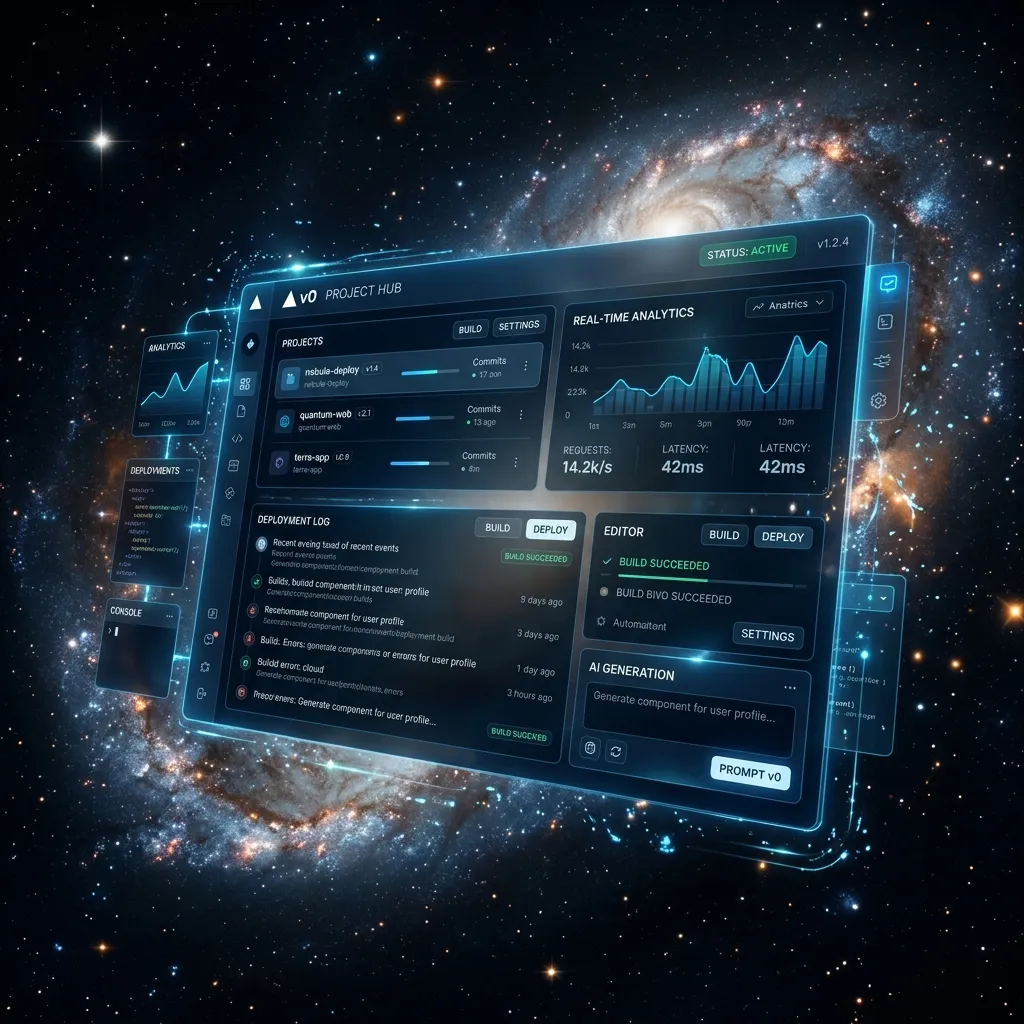 v0.dev React Component Generation Screens
Step 1: Visual Design Scaffolding inside v0.dev
Every great product begins with a beautiful, user-centric interface. This is where Vercel's v0.dev is unmatched. It acts as your visual generative UI designer, converting text prompts into sleek, responsive React components styled with Tailwind CSS.
Using v0.dev for Visual Scaffolding:
- Navigate to v0.dev: Open the platform and log in.
- Draft Your Design Prompt: Write a descriptive visual request. E.g., "Create a sleek dark-themed dashboard UI for a B2B SaaS platform. Include a vertical sidebar, metric stats cards, and a modern signup table. Use glowing neon cyan accents."
- Iterative Visual Edits: Select specific components in the rendering canvas and prompt refinements (e.g., "Change the sidebar background to translucent navy").
- Copy the React Code: Once the UI looks flawless, click the "Code" button to copy the code block.
Read more in our detailed v0-by-vercel-review overview.
Step 2: Transitioning to the Bolt.new IDE
While v0 excels at visual interfaces, a working MVP requires computational state, database linkages, and business logic. Transition your v0 components directly into Bolt.new to add these layers.
Scaffolding inside Bolt.new:
- Initiate a Bolt Workspace: Open
bolt.newinside a browser tab. - Import Frontend Shells: Paste your React code from v0 directly into the editor pane.
- Establish Component State: Prompt the AI chat panel: "Make all buttons interactive and configure useState handlers to manage form submission transitions."
This visual-to-functional flow is explored inside our build-full-stack-app-with-bolt manual.
 Bolt.new Browser-based Virtual Container Sandbox
Step 3: Wiring Backend Logic & Database Connections
A commercial MVP requires database persistence. In 2026, Supabase (PostgreSQL) is the absolute easiest, most secure option for rapid scaling.
To wire your database inside Bolt.new:
- Provision Supabase Tables: Set up a free project on Supabase and extract your API Key credentials.
- Configure Environment Keys: Create a
.env.localfile inside the Bolt directory and paste your keys securely. - Connect API Routes via Chat: Prompt the Bolt AI: "Configure user authentication using Supabase Auth and write serverless API functions to read and write records to our 'tasks' table."
Step 4: Managing Token Limits and AI Context Windows
As your project grows, managing LLM "Token Limits" is crucial. When your directory contains too many large files, the AI's context memory can fill up, leading to compilation issues.
Enforce these context-saving best practices:
- Promote File Modularity: Direct the AI to keep files small (under 150 lines). decoupled components compile faster and prevent context errors.
- Start Fresh Sessions: Once a feature is fully functional, save your progress, refresh the tab, and start a fresh chat thread.
- Provide Direct Context: Target specific files using the
@symbol, mimicking patterns described in cursor-ai-vibe-coding-2026.
Step 5: One-Click Production Deployment
Once your application is fully validated, Bolt.new makes launching it incredibly easy:
- Push to GitHub: Click the Git icon inside the Bolt workspace to instantly push your project to a secure repository.
- Deploy Live: Click the "Deploy" button to link your workspace to Netlify or Vercel, generating a live production URL in seconds.
Combine these steps with our ultimate-workflow-v0-cursor tutorial for an optimized workflow.
Conclusion & Takeaways
The web development paradigm has changed forever. The barriers separating visual layout concepts and database integrations have been completely removed. By using v0.dev for design and Bolt.new for execution, solo founders can build and deploy premium B2B MVPs in a single afternoon. Get started today!
[!TIP] Did you know that all developer tools on CodePreviewer.com operate 100% client-side inside your browser sandbox? Your private database keys, environment variables, and proprietary code assets are never uploaded to remote servers, ensuring absolute security.
Frequently Asked Questions (FAQs)
Q1: Can I integrate custom npm packages inside Bolt.new?
Yes, absolutely! Since Bolt.new operates a complete virtual Node.js container inside browser memory, you can install any public npm package (like @stripe/stripe-js or framer-motion) simply by requesting it in the chat panel.
Q2: What is the fastest way to debug compile errors on Bolt.new?
If your application crashes, copy the exact red error log from the Bolt preview terminal, paste it directly into the AI assistant, and prompt: "Resolve this runtime compilation error in our directory." Learn more in debugging-for-non-coders-ai-code.
Q3: Do I need local software to manage Bolt.new exports?
No! While you can download the project as a .zip file to edit locally inside VS Code, Bolt.new provides full code ownership, allowing you to manage and commit files entirely in-browser.
Q4: How secure is hosting my database credentials inside Bolt.new?
It is completely secure. By saving your credentials inside standard .env.local files, Bolt.new keeps these keys hidden from the frontend code, preventing users from seeing your database access codes.