
If you are active in the web development ecosystem in 2026, you have undoubtedly heard of v0 by Vercel and Cursor AI. While both tools are exceptionally powerful on their own, combining them into a single, cohesive workflow triggers a massive leap in shipping speed—achieving a level of efficiency that was practically science fiction just a few years ago.
We refer to this setup as "The God Workflow." It establishes a perfect bridge between visual frontend design and complex backend orchestration, allowing solo creators to build multi-page SaaS platforms in a single weekend. Let's explore exactly how this hybrid system operates and how you can implement it today.
The Philosophy: The Perfect Separation of Concerns
The core power of this workflow lies in leveraging the specialized superpower of each tool:
- v0 by Vercel: Is the absolute master of visual aesthetics, layout compositions, and mobile-responsive React structures. It designs beautiful interfaces from simple text instructions.
- Cursor AI: Is the master of file directory navigation, secure backend integration, programmatic self-debugging, and structural optimization.
By delegating the design to v0 (your Visual Architect) and the logic to Cursor (your Lead Engineer), you establish a highly modular, clean, and sustainable codebase. This matches the modern building paradigms detailed in our death-of-traditional-no-code-generative-ai blueprint.
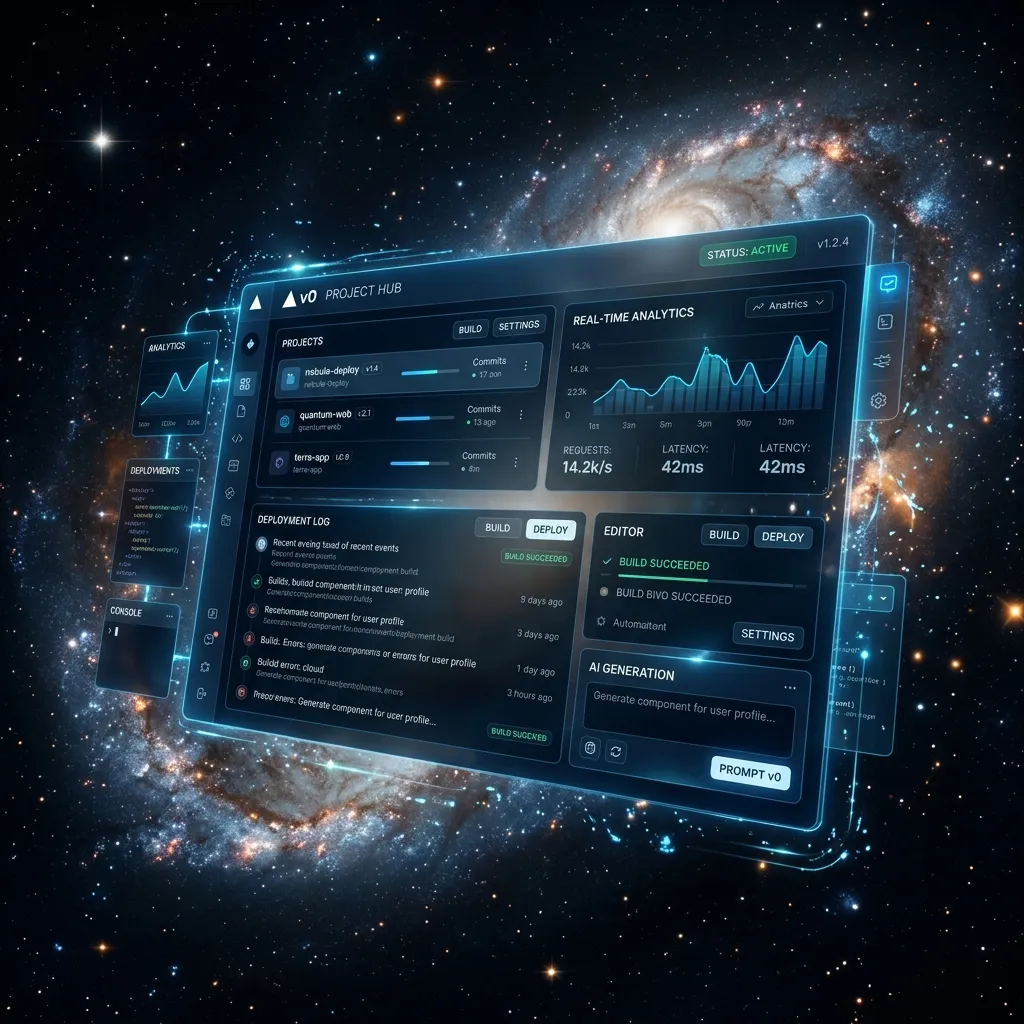 v0.dev Beautiful Frontend Tailwind Components
Step 1: Architecting the Visual Foundation in v0
Before writing terminal configurations, open v0.dev. Your sole focus here is to construct a visually stunning layout.
Visual Discovery Prompt:
"Create a premium B2B SaaS payment checkout page using React, Tailwind CSS, and shadcn/ui. The left column should display shipping forms and credit card fields, while the right column showcases an itemized invoice list. Implement a sleek dark navy background with subtle glowing cyan accents. Ensure the layout is fully responsive."
v0 compiles and displays a live, interactive UI. Iterate on the buttons and margins using conversational prompts until it looks flawless, then click the "Code" button to copy the underlying React structure. Find advanced UI strategies inside v0-by-vercel-review.
Step 2: Scaffolding the Canvas inside Cursor AI
Launch Cursor AI on your desktop. Create a new target file in your directory structure (e.g., CheckoutPage.tsx) and paste the generated code block from v0 directly into the editor.
Pro Onboarding Step: Since v0 structures rely on specific npm components (like Lucide Icons or shadcn UI packages), open Cursor's Composer panel (Ctrl + I / Cmd + I) and prompt:
"Scan this CheckoutPage.tsx file, check for any missing libraries or icons, and run the necessary npm install commands in the terminal automatically."
Cursor will spin up the terminal, install the dependencies, and resolve compile errors in seconds. Learn more about local environments in cursor-ai-vibe-coding-2026.
 Cursor Composer Vibe Coding Workspace Console
Step 3: Breathing Interactive Life into the UI Logic
The code generated by v0 is stunning but static. It lacks state management, API routes, or event triggers. To add active programming behaviors, open the Composer inside Cursor:
Prompt to Cursor:
"This CheckoutPage UI is currently static. Let's write client-side state handling. Integrate React Hook Form and Zod to validate all shipping and billing inputs. When the user clicks the 'Place Order' button, validate the fields, trigger a 2-second loading animation on the button, and show a success modal if the inputs are valid."
Cursor processes the visual framework, imports required React hooks, structures the validation schemas, and compiles the logic safely. Follow debugging-for-non-coders-ai-code rules to resolve any compilation warnings.
Step 4: Wiring Database Persistence & Payments
With your frontend logic fully validated, finalize the product by linking to external APIs and database endpoints.
Prompt to Cursor:
"Now, let's connect this form to Stripe. Install the official Stripe npm package, draft a Next.js serverless API route to manage Stripe payment intents, and write a Supabase write command to record successful orders securely inside our 'sales' table."
Since Cursor indexes your entire directory context, it establishes secure endpoints, maps variable fields, and protects environment variables, mimicking workflows explored in our build-full-stack-app-with-bolt manual.
Why The God Workflow Dominates in 2026
- Clear Division of Labor: Bypassing tedious layout calculations in your IDE saves hours of manual CSS styling.
- Speed & Shipping Momentum: Solo founders can transition from a raw idea to a secure, database-linked live MVP in a single weekend.
- No Code Creep: Keeping layout code separate from functional API layers prevents codebase corruption, allowing for seamless upgrades.
Conclusion & Takeaways
What historically required a multi-disciplinary software engineering team (Designer, Frontend Developer, and Backend Engineer) weeks of alignment meetings is now accomplished by a single creator in a matter of hours. Leverage the unique strengths of v0 and Cursor to build without limits!
[!TIP] Did you know that all developer tools on CodePreviewer.com operate 100% client-side inside your browser sandbox? Your private database keys, environment variables, and proprietary code assets are never uploaded to remote servers, ensuring absolute security.
Frequently Asked Questions (FAQs)
Q1: Do I need a Vercel Pro subscription to utilize v0.dev?
No. v0.dev offers an extremely generous free tier that allows you to generate and copy React and Tailwind layouts without charge. A paid tier is only required if you need priority generations or direct visual sharing features.
Q2: What is the fastest way to migrate v0 components to Cursor?
The easiest method is using the npx v0 add [component-id] terminal command provided in the v0 dashboard. Simply run it inside your Cursor terminal, and the tool imports the code and registers all dependencies automatically.
Q3: How do I handle responsive menus built with this workflow?
Since v0 utilizes Tailwind CSS responsive utility classes (like md:flex or hidden), your menus, grids, and tables will adapt fluidly to screen dimensions out-of-the-box.
Q4: Can I integrate other database engines like Firebase or PostgreSQL?
Absolutely. Since Cursor operates locally, you can direct it to integrate any backend service, cloud platform, or database engine (such as Firebase, Prisma, or MongoDB) simply by indexing their official developer documentations.
Q5: What if I need to validate data formats during my workflow?
When integrating complex APIs or debugging JSON structures between v0 and Cursor, it is essential to protect your environment variables. Using client-side developer tools like the ones at CodePreviewer.com ensures your sensitive data is processed entirely within your browser sandbox. This guarantees 100% privacy, keeping your IP safe from external server logging.
Q6: Can I use this workflow for enterprise applications?
Absolutely. Because this workflow relies on generating standard, industry-grade React and Next.js code, the resulting applications can scale securely to meet enterprise demands. The output is indistinguishable from code written by senior engineering teams.
Frequently Asked Questions
1. Are these AI tools safe to use for production code?
Yes, but you should always review the generated output. Tools like Cursor and Bolt.new provide excellent starting points and functional components, but human oversight ensures the final application is secure, performant, and aligned with your specific business logic.
2. Can I use CodePreviewer alongside these tools?
Absolutely! One of the best workflows for vibe coding is to take the UI components generated by tools like v0 or Bolt.new, and paste them directly into CodePreviewer's HTML Sandbox. This allows you to instantly test, tweak, and validate the code entirely client-side without spinning up a local development environment. Because CodePreviewer processes everything in your browser, your code remains 100% private.
3. Will traditional no-code platforms disappear?
They won't disappear overnight. Platforms like Bubble still offer robust backend integrations and visual database management. However, generative AI tools are bridging the gap rapidly, making it easier for non-coders to create complex, scalable applications without being locked into a proprietary visual editor.