
"I gave the AI a simple text prompt and it built a complete, working B2B SaaS platform in 5 minutes!" Today, social media platforms like Twitter/X, LinkedIn, and YouTube are filled with these sensationalist, eye-catching claims. While it sounds like absolute magic, the reality of transitioning from a raw idea to a commercially viable application requires a highly systematic methodology, structured parameters, and absolute clarity.
If you simply type "Make a Facebook clone," the AI will output a broken, bloated, and highly unoptimized block of code. In this comprehensive guide, we will break down the exact, step-by-step lifecycle of the "Prompt-to-Product" journey in 2026, enabling you to build scalable software products with extreme efficiency.
Phase 1: Planning and Architecture (The Blueprint)
Before opening any visual code builder (like Bolt.new or Cursor), you must establish your product's conceptual architecture. Treat this phase as your discovery meeting with a virtual CTO.
Step 1.1: Defining the MVP Scope
Initiate a chat session with ChatGPT or Claude and prompt:
"I want to build a B2B SaaS platform for gym owners to manage client memberships. I am a non-technical founder. Help me define the MVP (Minimum Viable Product) features. Restrict the list to 3 core features so we can launch and test in 2 weeks."
Step 1.2: Tech Stack Auditing
Once your features are scoped, establish the stack:
"Based on our approved B2B MVP features, recommend the absolute easiest, most modern, and cost-effective tech stack. I prefer React for the frontend. Recommend a database and auth provider that connects seamlessly with Cursor AI."
Explore this phase in deep detail inside our chatgpt-technical-co-founder blueprint.
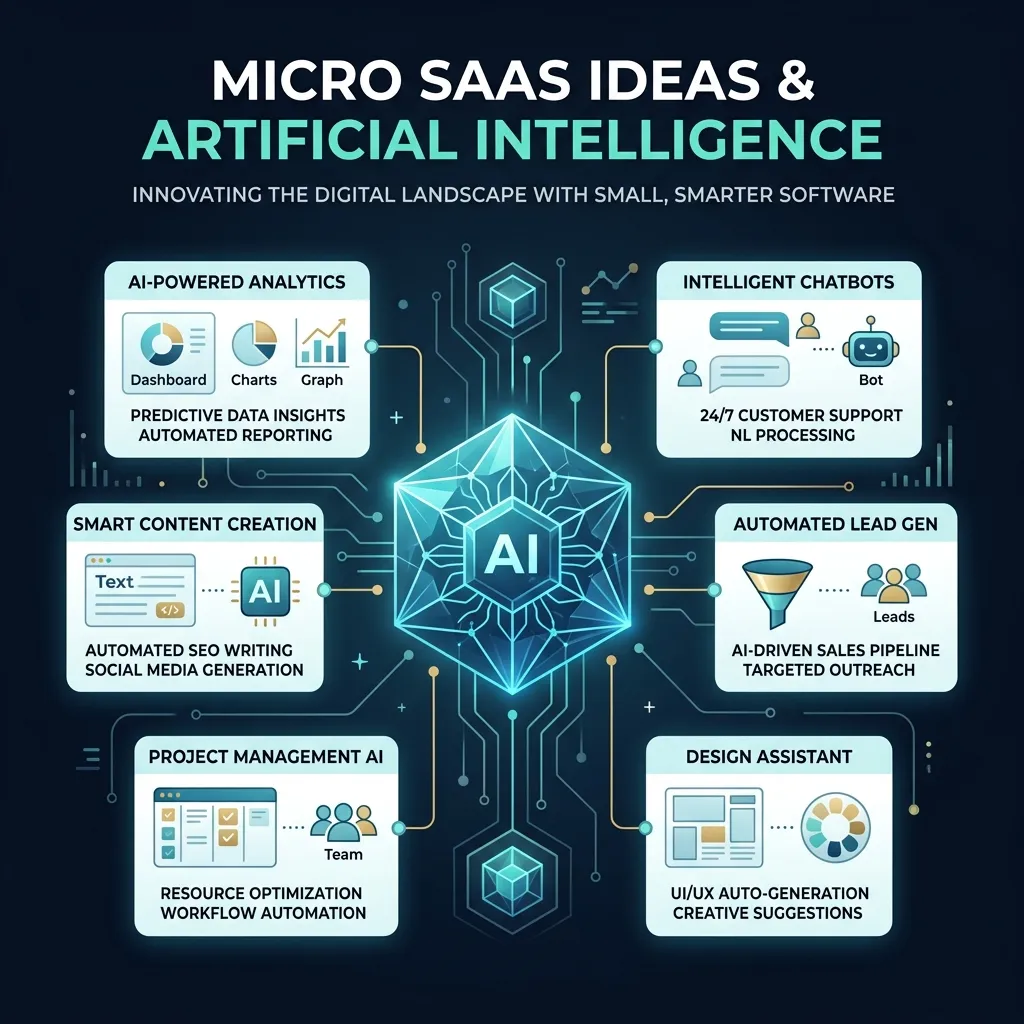 AI Generated Profitable Micro-SaaS Dashboards
Phase 2: Generating the UI (Visual Aesthetics)
A stunning user interface builds immediate trust with first-wave users. Vercel's v0.dev is the undisputed master of visual generative design.
Step 2.1: Prototyping the Dashboard Layout
Navigate to v0.dev and input:
"Create a clean, ultra-modern dashboard interface for a gym management application using shadcn/ui. Include a sidebar navigation panel, a top navbar with profile toggles, active metric cards (Total Clients, Monthly Revenue), and a responsive registration table. Use a dark theme with vibrant neon green accents."
Iterate on the design until it looks pixel-perfect, then click the "Code" button to copy the React/Tailwind elements. Check out our v0-by-vercel-review for advanced visual prompts.
Phase 3: Bringing the App to Life (Wiring Logic & Databases)
Once the visual shell is prepared, transition the files into Cursor IDE or Bolt.new to write active backend logic.
Step 3.1: Directory Scaffolding & Setup
Paste the React code from v0 into your components folder. If you are using a local workspace, instruct the AI to install missing packages automatically.
Step 3.2: Connecting the Database
Prompt your AI editor:
"I have successfully pasted my dashboard component file
@Dashboard.tsx. Now, let's connect it to a Supabase database. Write the SQL script to create a 'members' table on Supabase, and modify this React component to fetch, filter, and display live database records instead of static mock data."
Step 3.3: User Authentication Routing
"Implement secure user logins and registration portals using Supabase Auth. Protect all Next.js dashboard routes so only authenticated gym owners can access the tables."
Refer to our complete build-full-stack-app-with-bolt manual for advanced integrations.
 Vibe Coding Prompt Workspace Terminal
Phase 4: Testing & Iteration (Polishing the Edge Cases)
AI models are incredibly fast, but the human must act as the ultimate quality control inspector.
- Visual Auditing: Click every button, test input borders, and ensure layout responsiveness on mobile viewports.
- Self-Healing Debugging: If your app halts or triggers database exceptions, copy the terminal logs and prompt the AI: "I am getting this exact console error when trying to register a user. Scan the files and fix it."
For structural tips on debugging, consult debugging-for-non-coders-ai-code.
Phase 5: One-Click Production Deployment
Once your application is fully validated, publish it to a live production environment.
- For Bolt.new: Simply click the "Deploy" button to push the assets directly to Netlify or Vercel.
- For Cursor/Git: Commit your directory to GitHub and connect the repository to Vercel for automated hosting pipelines.
You can learn about this integrated ecosystem inside ultimate-workflow-v0-cursor.
The Golden Rules of AI-Driven Development
- Maintain High Modularity: Keep components small. Monolithic single-file apps quickly break AI memory limits.
- Implement Creator-Critic Audits: Use one AI model to draft code and a separate model to audit it for security vulnerabilities.
- Establish Regular Git Checkpoints: Commit working code frequently so you can instantly revert if a future prompt causes context confusion.
Conclusion & Action Steps
The journey from "Prompt to Product" is a highly rewarding marathon. By leveraging the scaling speed of generative tools and structuring your discovery workflows, you can build, launch, and validate SaaS ideas in record time. Select your concept and start prompting today!
[!IMPORTANT] All developer utilities hosted on CodePreviewer.com execute 100% client-side inside your browser sandbox. Your proprietary application code, environment keys, and startup ideas never touch our servers, protecting your IP completely.
Frequently Asked Questions (FAQs)
Q1: Is it really possible to build a profitable product without knowing syntax?
Yes, absolutely! In 2026, software development is about logical system architecture, user flow mapping, and prompt clarity (Vibe Coding). You do not need to memorize brackets and keywords.
Q2: What is the average timeframe to launch an MVP with AI?
If you focus strictly on a minimized feature scope (MVP) and use tools like v0.dev and Bolt.new, you can easily launch a working full-stack prototype in a single weekend (24 to 48 hours).
Q3: How do I secure my AI-generated database from SQL injections?
Ensure your database tables utilize Supabase Row-Level Security (RLS) rules, and instruct the AI to write parameterized database queries to prevent unauthenticated read or write actions.
Q4: Can I hire a standard developer to extend my AI-generated codebase?
Yes. Since the AI outputs industry-standard React, Next.js, and TypeScript, any standard professional frontend developer can immediately read, refactor, and extend your repository without issue.
Q5: How do I handle sensitive data during development?
As you progress from prompt to product, you will inevitably deal with environment variables and JSON payloads. It is highly recommended to use 100% client-side developer tools like the utilities provided by CodePreviewer.com. These tools format and validate your data entirely within the browser sandbox, ensuring your proprietary secrets and customer data are never uploaded to a third-party server.
Q6: Can I update the design after the product is built?
Yes! One of the major advantages of an AI-generated codebase is that you can always re-open the project, select specific UI components, and prompt the AI to redesign them. You are never locked into the initial layout.
Frequently Asked Questions
1. Are these AI tools safe to use for production code?
Yes, but you should always review the generated output. Tools like Cursor and Bolt.new provide excellent starting points and functional components, but human oversight ensures the final application is secure, performant, and aligned with your specific business logic.
2. Can I use CodePreviewer alongside these tools?
Absolutely! One of the best workflows for vibe coding is to take the UI components generated by tools like v0 or Bolt.new, and paste them directly into CodePreviewer's HTML Sandbox. This allows you to instantly test, tweak, and validate the code entirely client-side without spinning up a local development environment. Because CodePreviewer processes everything in your browser, your code remains 100% private.
3. Will traditional no-code platforms disappear?
They won't disappear overnight. Platforms like Bubble still offer robust backend integrations and visual database management. However, generative AI tools are bridging the gap rapidly, making it easier for non-coders to create complex, scalable applications without being locked into a proprietary visual editor.